Build with AI

Shape one clear game brief, then carry it through scope, build and review.

Try an example above, or write your own. The brief is saved on this device until you submit it.

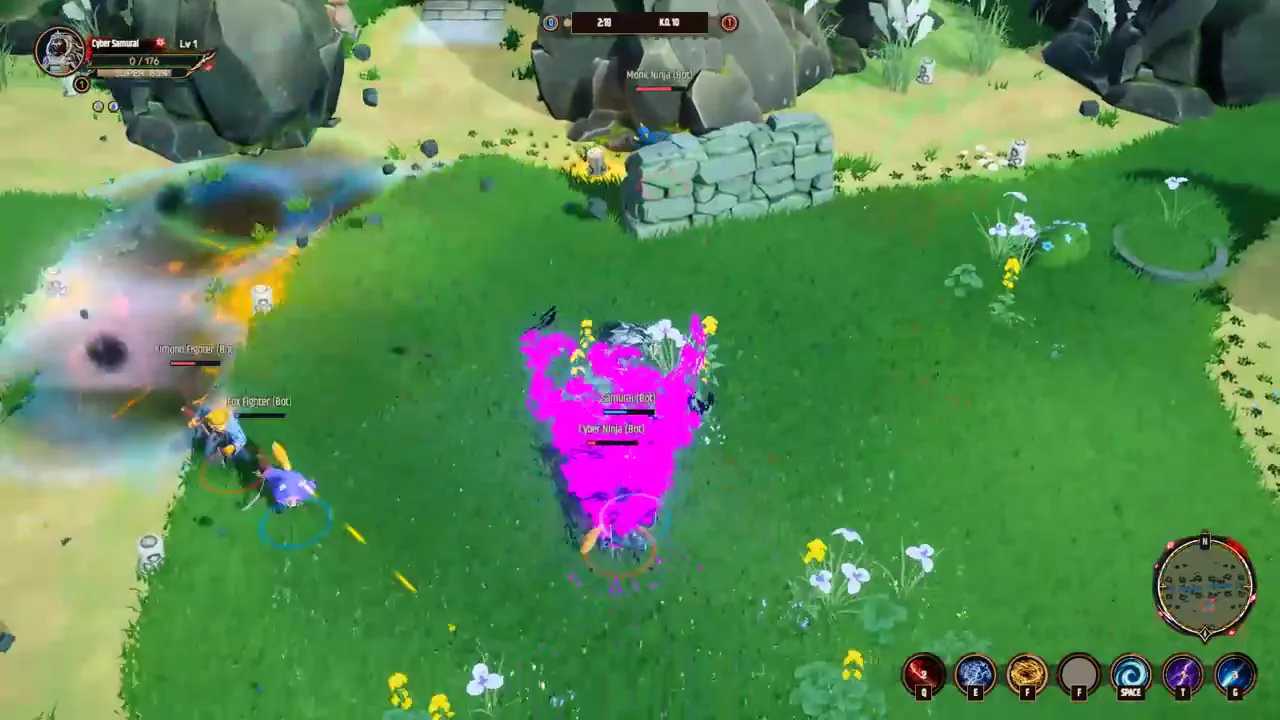
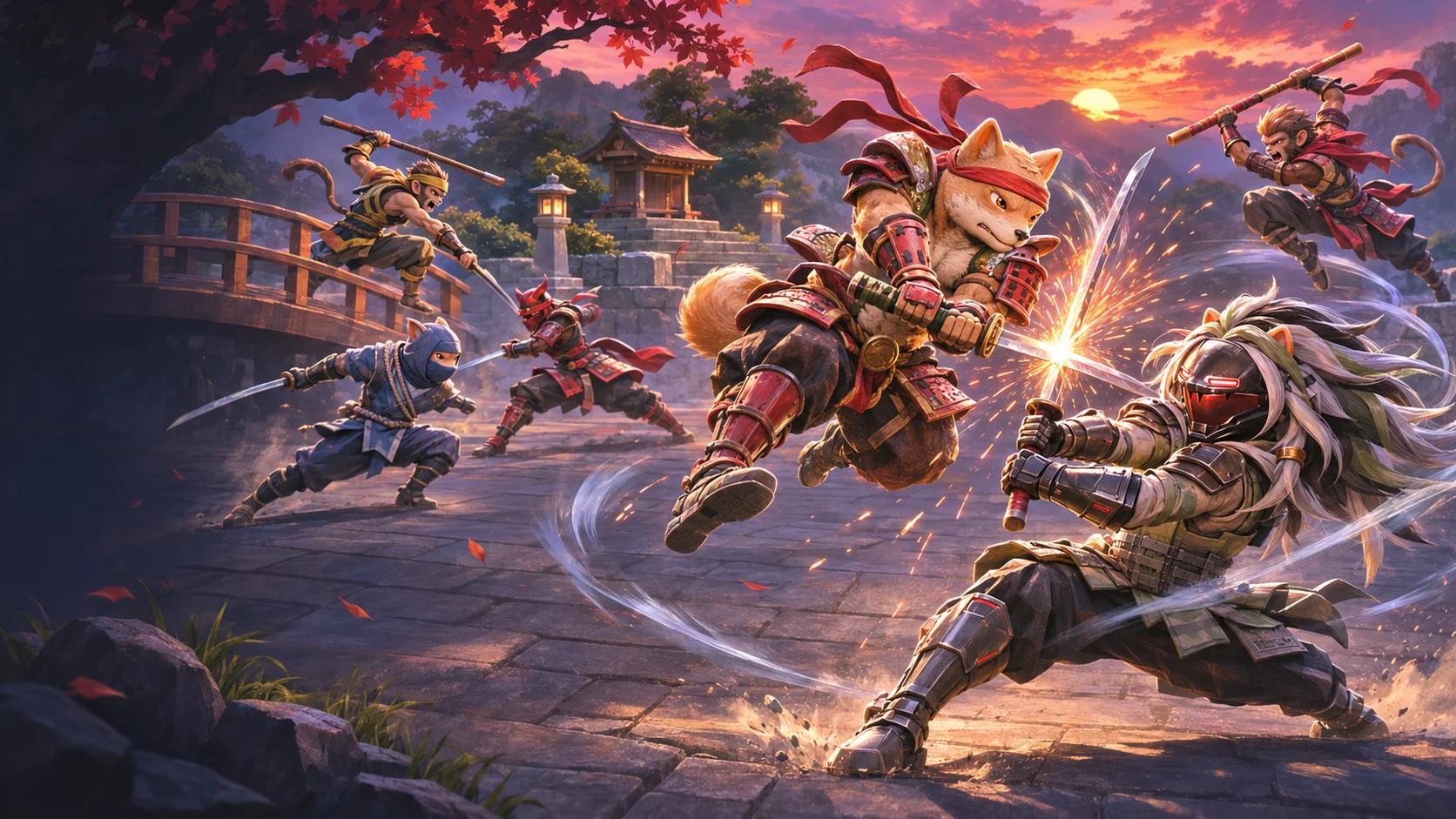
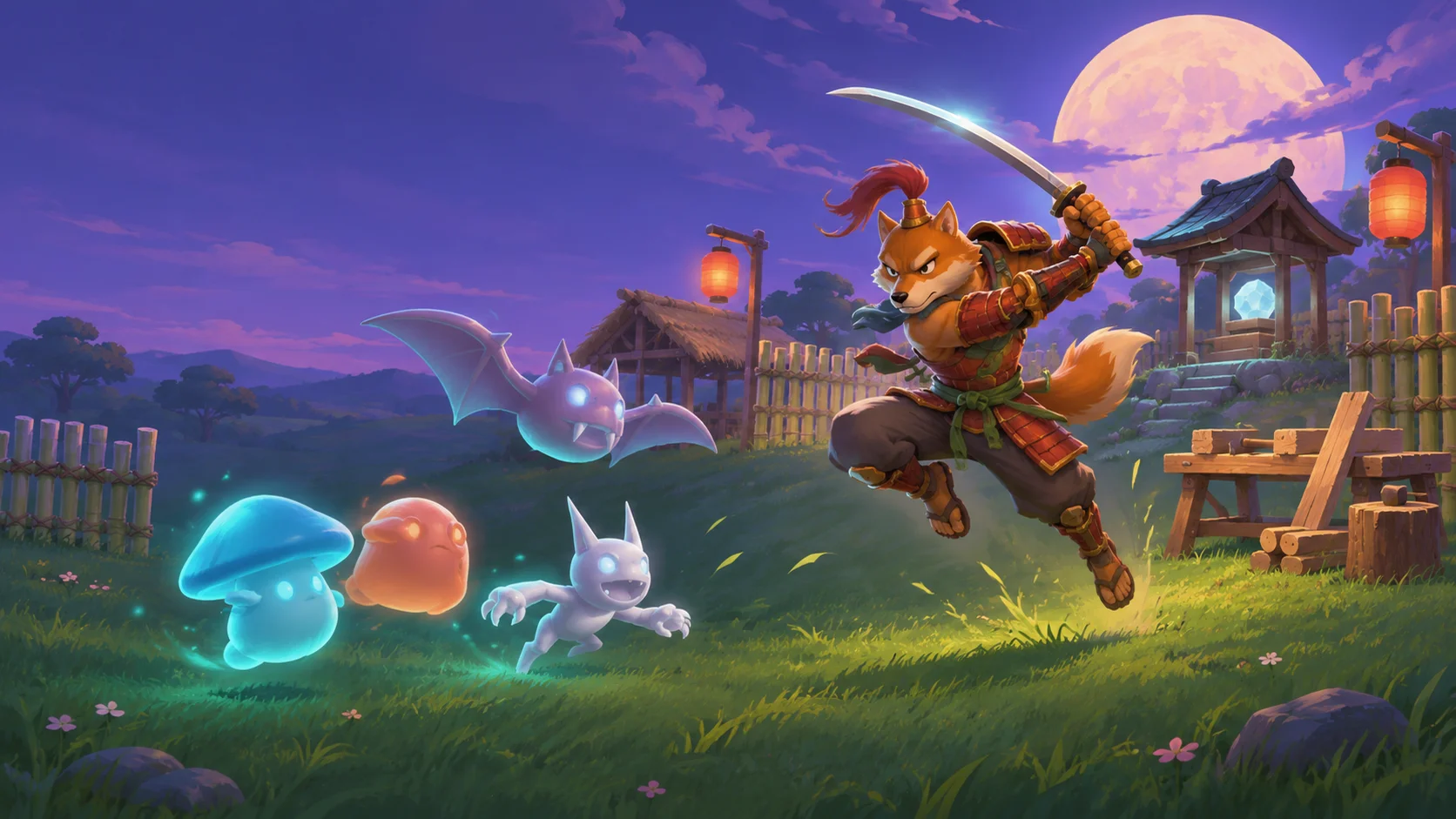
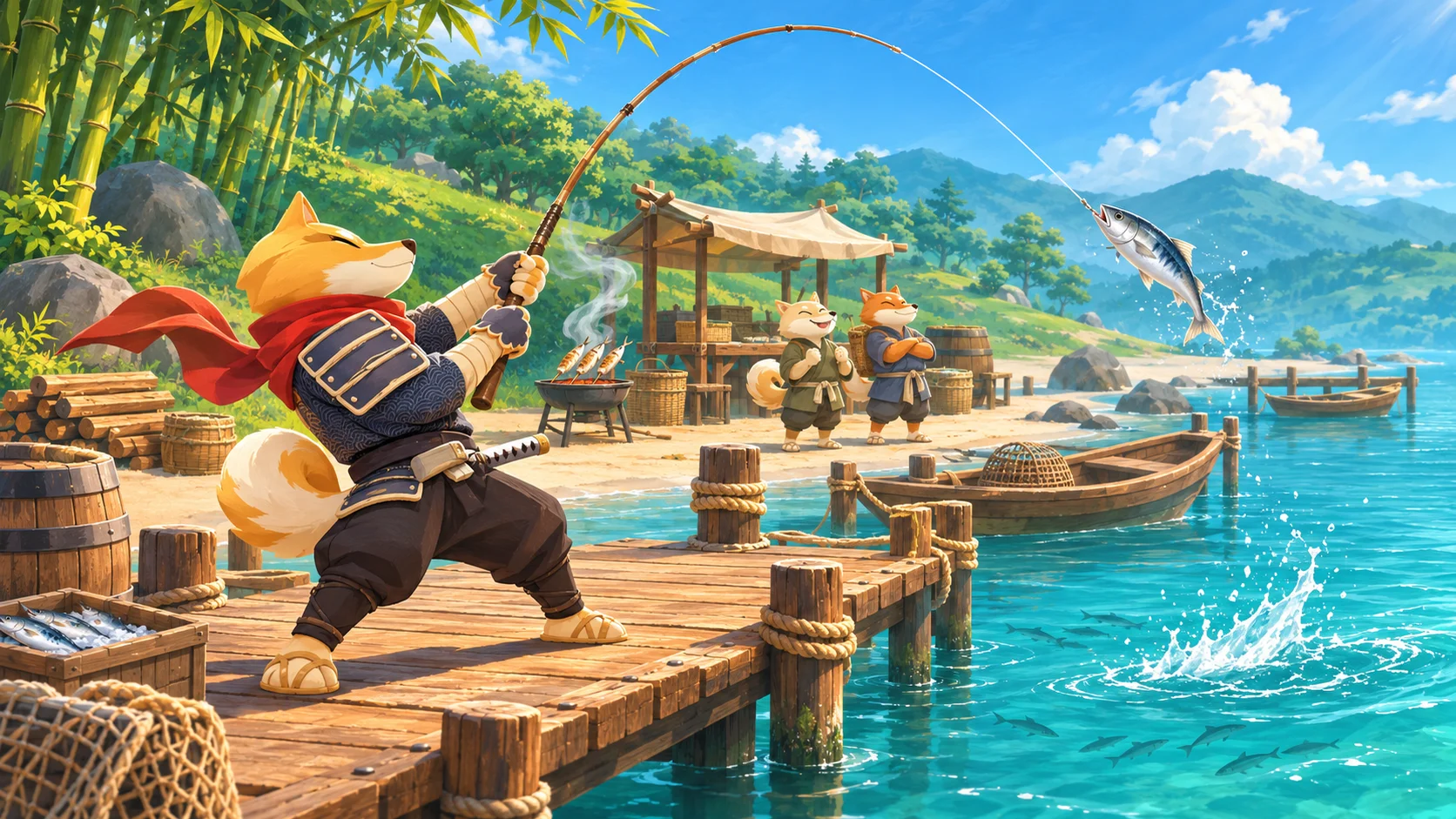
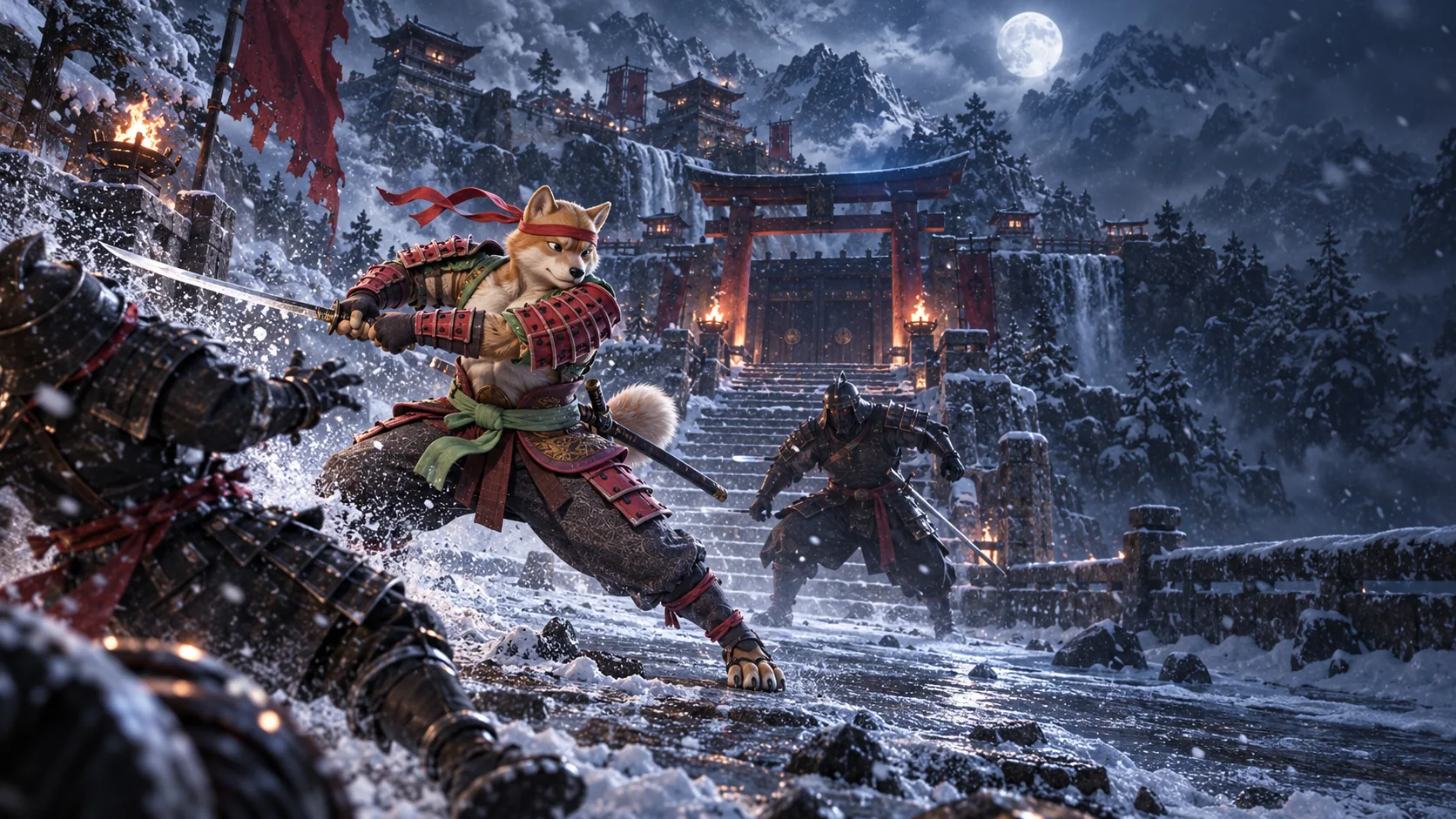
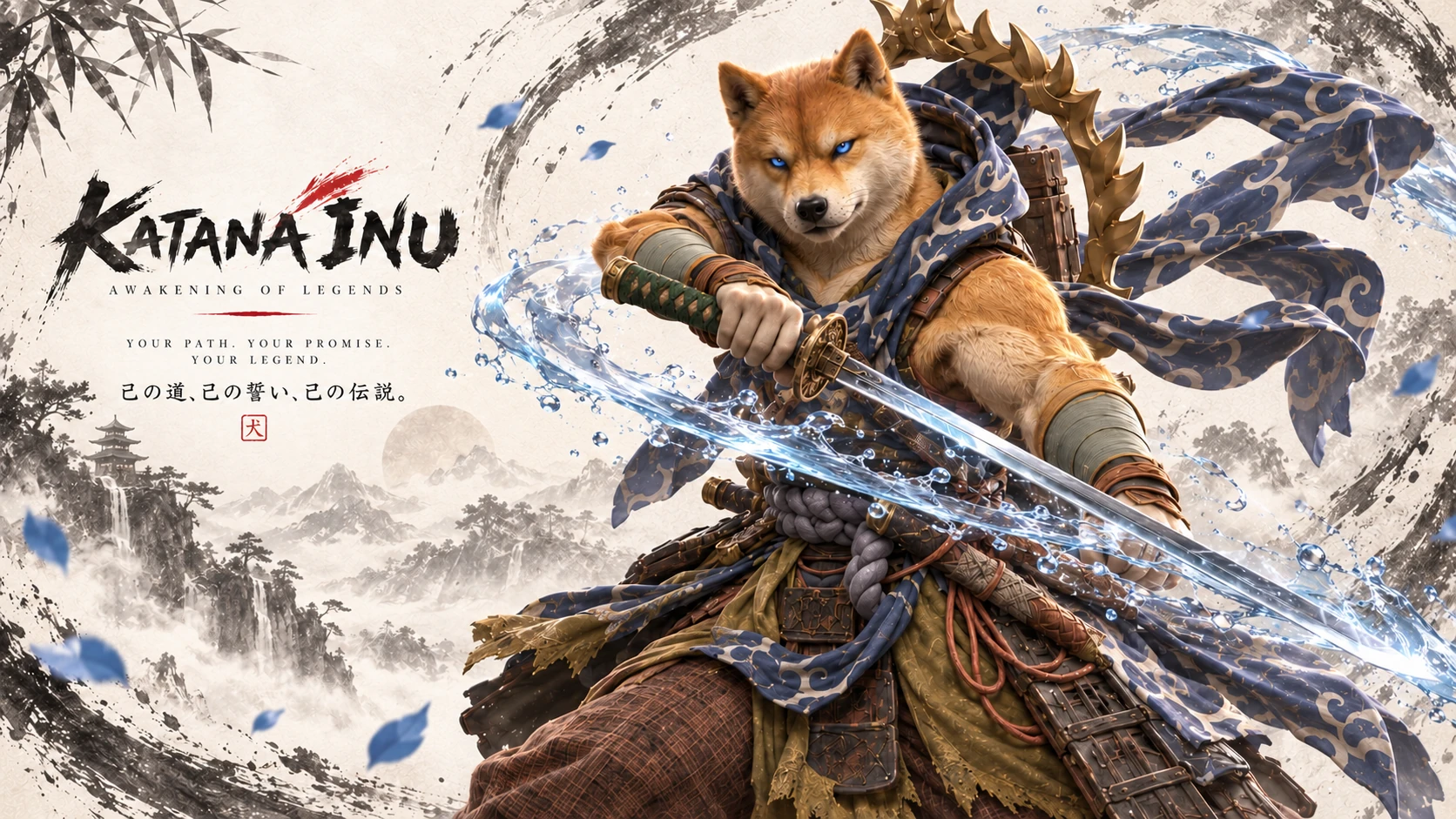
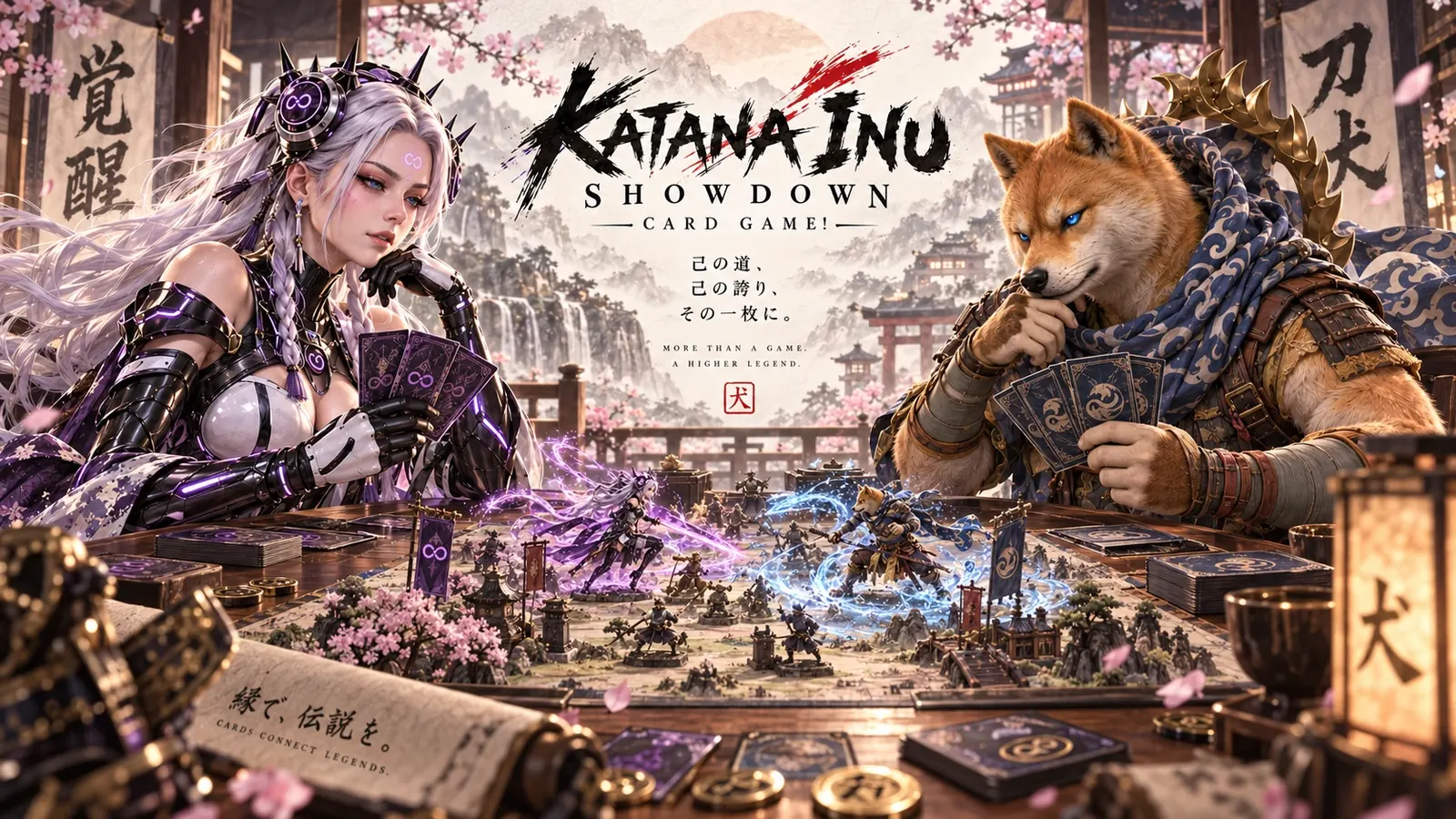
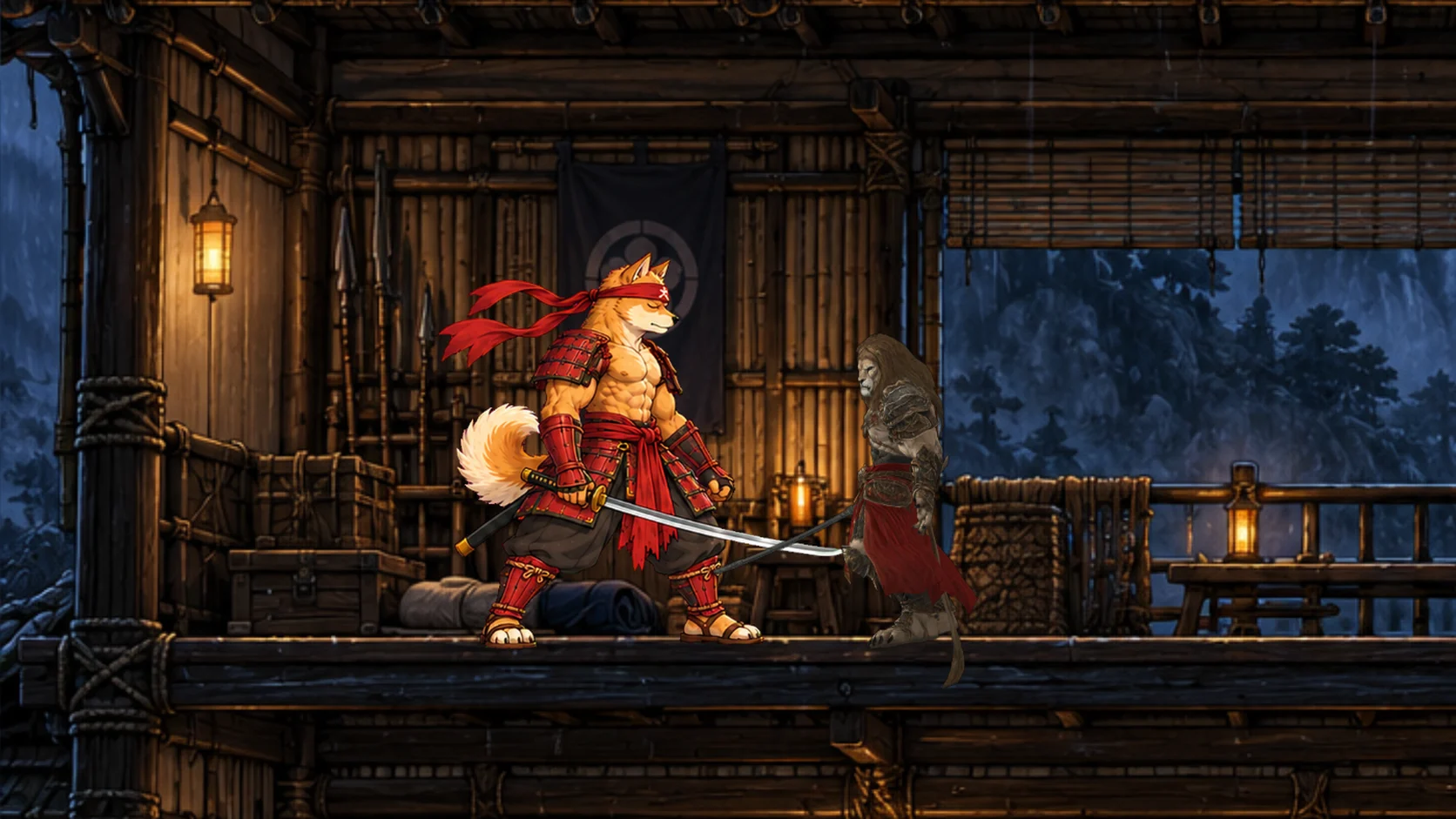
Now showing · 01/12Katana Inu: Kata BrawlAction · Arena · PC — One game, three paths: Story, Brawl and Lanes.
View game
From idea to Arcade

How a brief becomes a game

Active template · Endless runner

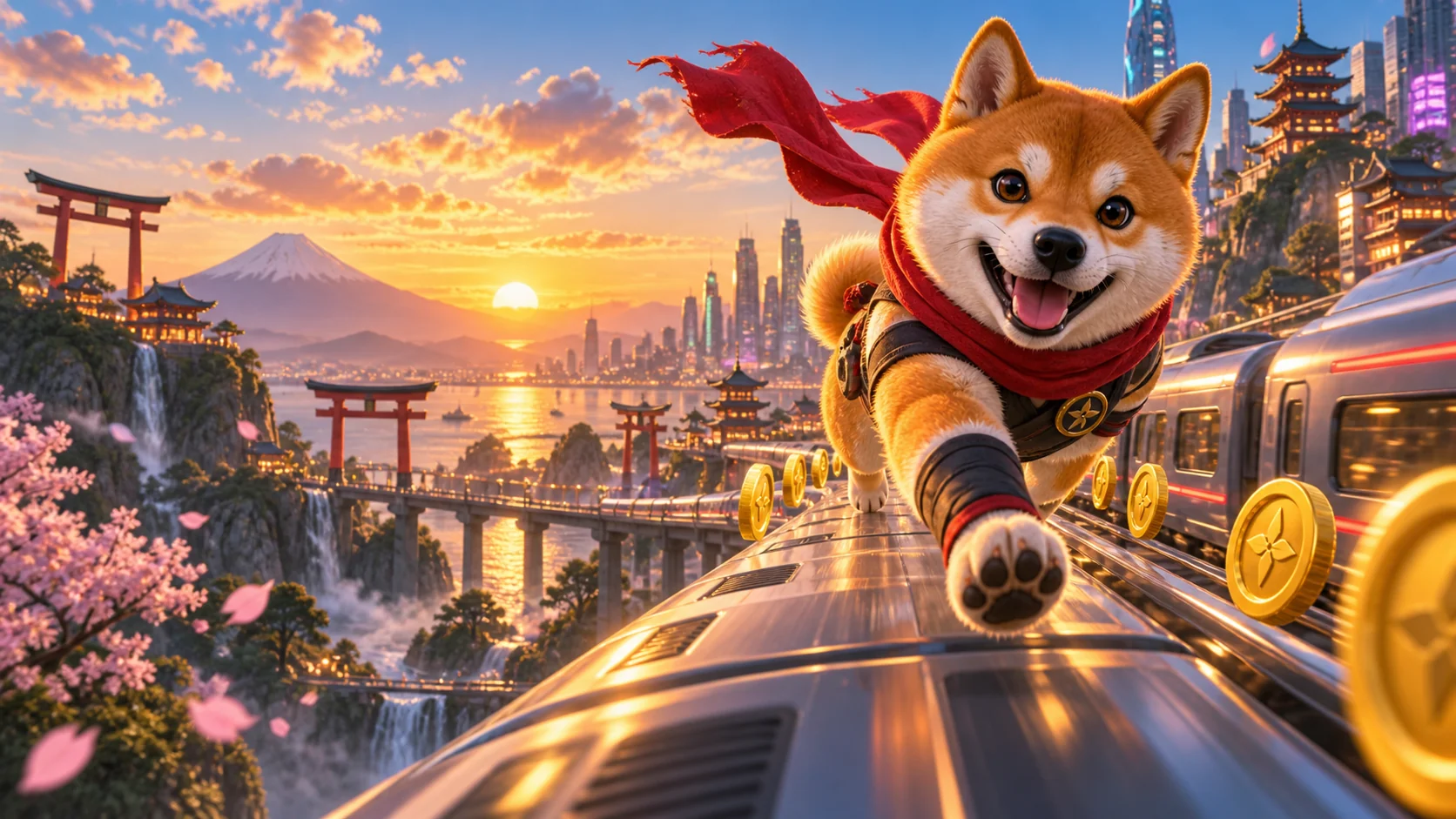
“A 3D endless runner across Kyoto rooftops: the player is a hooded ninja cat, swipes between three lanes, jumps gaps and slides under banners. Speed rises every 30 seconds; success is beating your best distance.”

  1. Brief
  2. Scope
  3. Build
  4. Review
  5. In game
3D Workshop

Build in 3D, too

Prepare a model from a text brief or an uploaded reference image, then take the finished GLB into the rest of your toolchain.

  • Create from text, or upload a PNG or JPG reference for an image-led brief.
  • Download finished Workshop models as GLB.
  • Convert GLB to STL, OBJ or a clean GLB in your browser.
  • Import Arcade GLBs with plugins for Blender, Unity and Unreal Engine 5.
Works with

Take the same assets into your toolchain

See plugins →
  • Three.js
  • Unity
  • Unreal Engine 5
  • Blender
  • Godot
  • Web browser
Featured · Playable now

Start with a real game

All games →
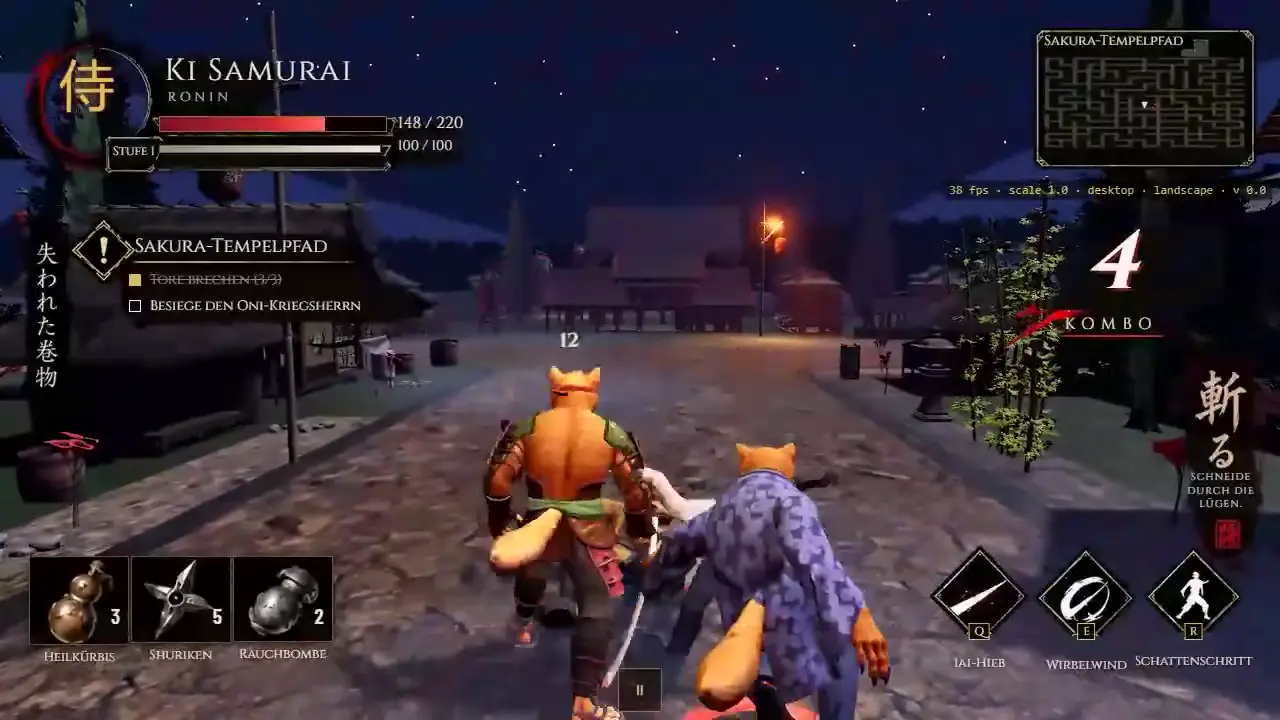
Real gameplay

See it move

Community gallery

Made with Katana Inu

Loading community builds…

20Titles in the catalogue
5Run in a browser
10Game templates
How it works

Build in three deliberate steps

  1. 01

    Describe

    Name the player, the space, the core action and one clear win condition.

  2. 02

    Build with the AI team

    Astra scopes the smallest playable slice; Fable turns it into tasks and acceptance tests.

  3. 03

    Review & release

    Nothing skips review. What clears it gets an honest status and a real page in the Arcade.

Templates

Start from a template

Pick an exact brief and open it ready in the Game Maker.

Real assets · verified source

Asset library

Browse production art from Katana Inu games. Every card states exactly where it may be used.

View full library
1 · Katana Inu IP — internal only

Characters, vehicles, maps and original game VFX may only be used in games built in Katana Inu Arcade and published exclusively there. No download or export.

2 · Neutral assets — external use

Neutral props, VFX and SFX may be downloaded for games outside the Arcade. Katana Inu characters, vehicles and brands must never be included there.

Fab assets

Preview only. Get the original free on Fab; licence remains with Fab and the creator. Assets without a verified original Fab link are not listed.

21 assets · VFX
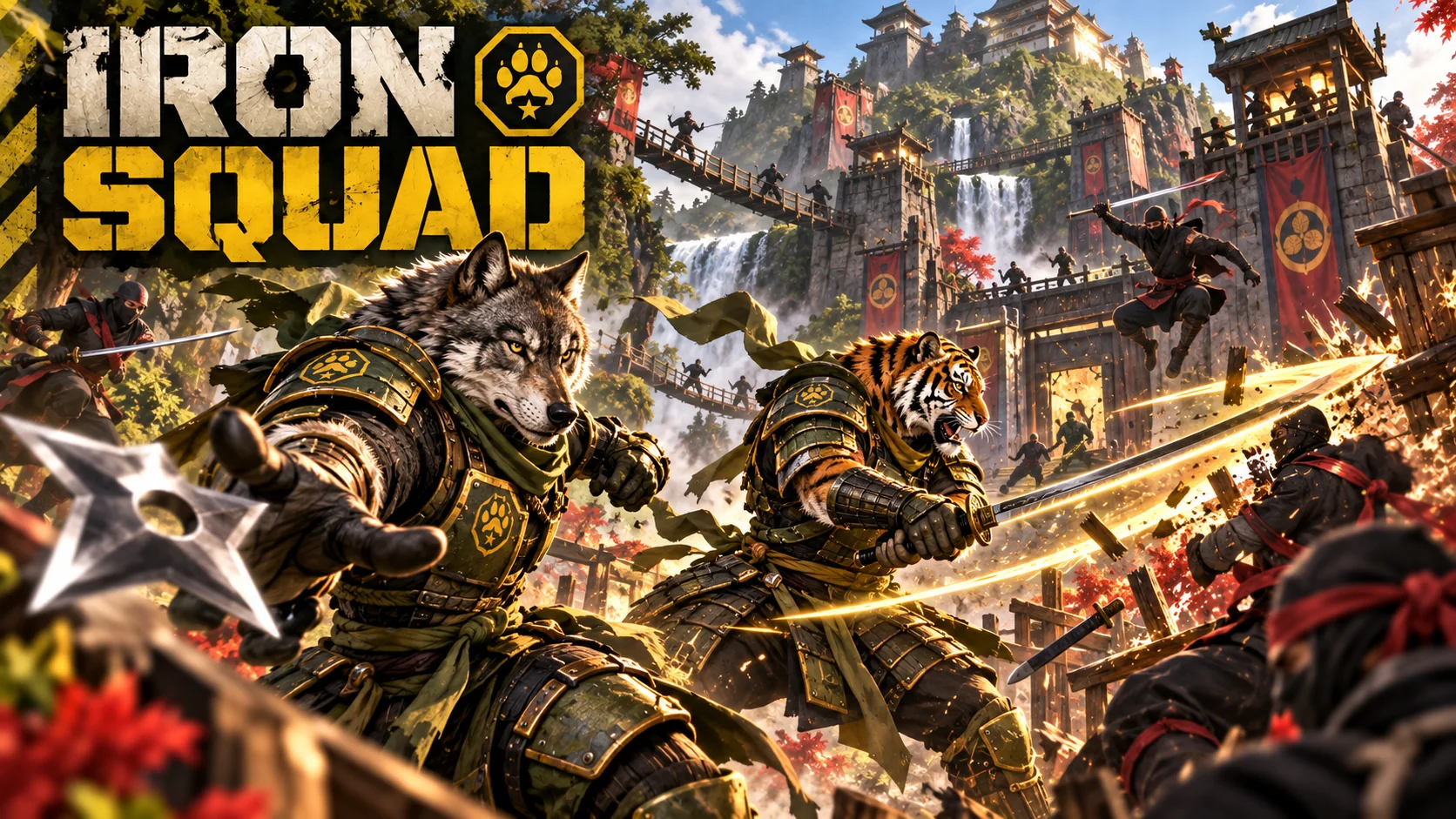
  • Arcane impact — real preview from Iron SquadArcane impact — still preview from Iron Squad
    IP · in-Arcade only

    Arcane impact

    Iron Squad

    Available inside Game Maker
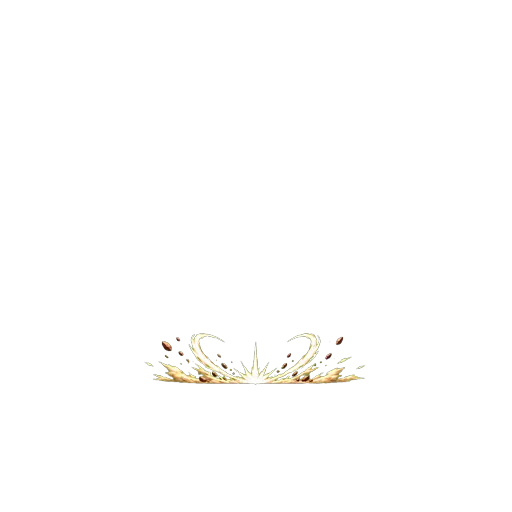
  • Ground breaker — real preview from Iron SquadGround breaker — still preview from Iron Squad
    IP · in-Arcade only

    Ground breaker

    Iron Squad

    Available inside Game Maker
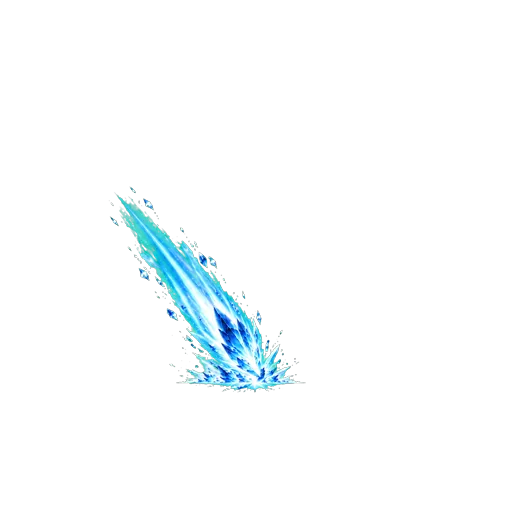
  • Ice impact — real preview from Iron SquadIce impact — still preview from Iron Squad
    IP · in-Arcade only

    Ice impact

    Iron Squad

    Available inside Game Maker
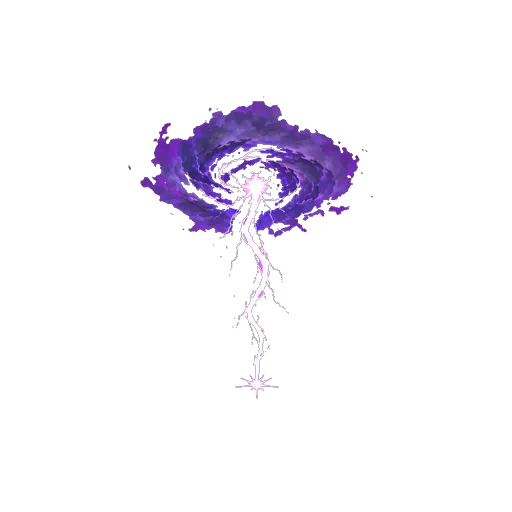
  • Lightning impact — real preview from Iron SquadLightning impact — still preview from Iron Squad
    IP · in-Arcade only

    Lightning impact

    Iron Squad

    Available inside Game Maker
  • Lightning charge — real preview from Iron SquadLightning charge — still preview from Iron Squad
    IP · in-Arcade only

    Lightning charge

    Iron Squad

    Available inside Game Maker
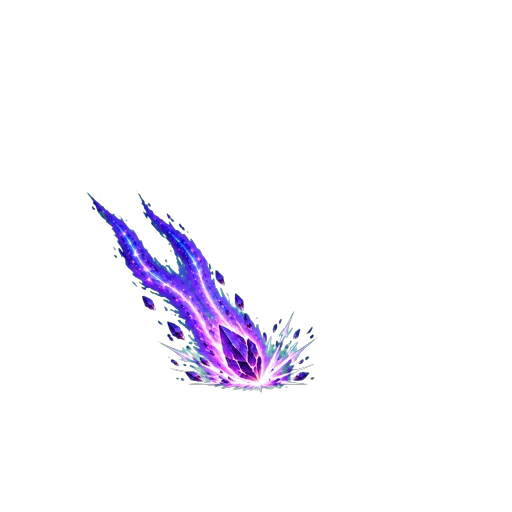
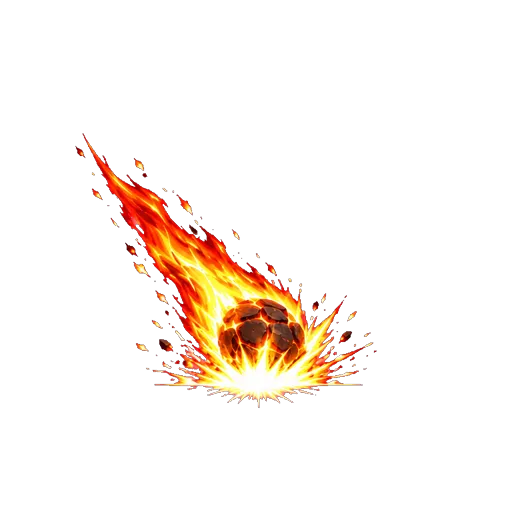
  • Meteor impact — real preview from Iron SquadMeteor impact — still preview from Iron Squad
    IP · in-Arcade only

    Meteor impact

    Iron Squad

    Available inside Game Maker
  • Nature impact — real preview from Iron SquadNature impact — still preview from Iron Squad
    IP · in-Arcade only

    Nature impact

    Iron Squad

    Available inside Game Maker
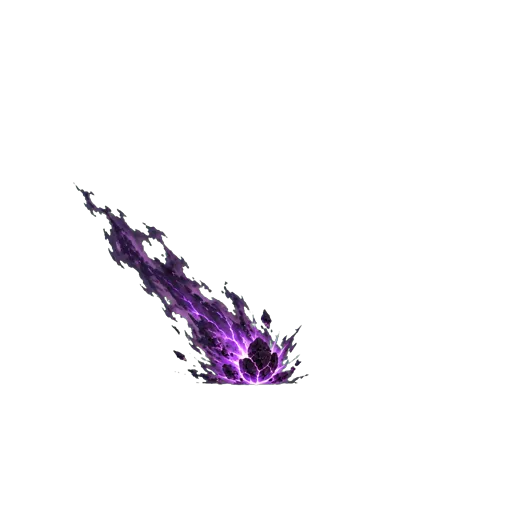
  • Shadow impact — real preview from Iron SquadShadow impact — still preview from Iron Squad
    IP · in-Arcade only

    Shadow impact

    Iron Squad

    Available inside Game Maker
  • Shockwave — real preview from Iron SquadShockwave — still preview from Iron Squad
    IP · in-Arcade only

    Shockwave

    Iron Squad

    Available inside Game Maker
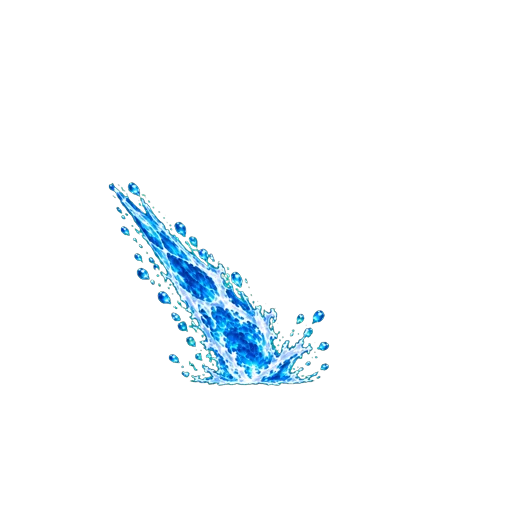
  • Water impact — real preview from Iron SquadWater impact — still preview from Iron Squad
    IP · in-Arcade only

    Water impact

    Iron Squad

    Available inside Game Maker
Pricing

Play free. Pay only for what you create.

Creator studios use credits, with the price shown before a paid action starts. Failed renders are refunded automatically.

See pricing →
FAQ

Before you start

Does writing a brief create a playable game?

No. The brief opens in the Game Maker, where it is submitted, scoped and reviewed before any approved build can reach the Arcade.

Which games run without a download?

Games marked playable open in a browser tab. Desktop titles use the Launcher instead, and every title keeps an honest status in the catalogue.

What uses credits?

Playing games, browsing the gallery and writing a Game Maker brief are free. Paid AI actions for 3D models, images and video clips use credits.

Can I use Workshop models in my own tools?

Yes. Workshop models download as GLB. The plugins page explains direct import paths for supported 3D and game tools.

What happens if a paid render fails?

The credits are refunded automatically, and the failed job is recorded as a refund.

Your turn

Start with one clear action and one honest win condition.

Write your game brief ↑