From a sentence to a 3D model in the 3D Workshop
Katana Inu teamOct 6, 20264 min
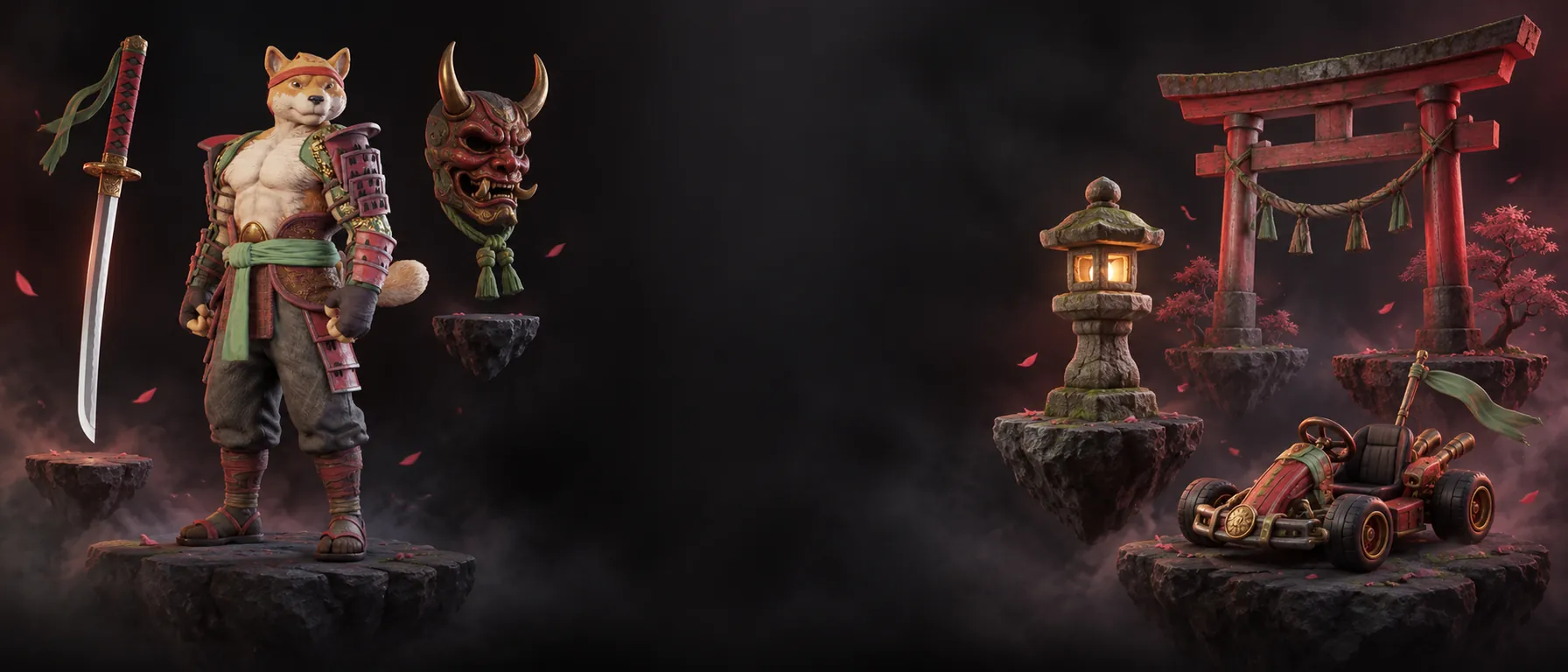
Pick Character, Prop or Environment, describe it, and generate. What you pay is on the button, and a failed model is refunded.
The 3D Workshop turns a short description into a model you can use in your game, a clip or a print.
Steps
- Open the 3D Workshop and stay on Text mode.
- Choose a type: Character, Prop or Environment.
- Write what you want, or tap one of the example chips to load a brief. Material and silhouette words help, for example lacquer finish or oversized helmet.
- Look at the button. If generation is connected on the server, it shows the price in credits before you start. If it is not, the button says Save 3D brief and nothing is charged.
- Start. Generation can take a few minutes and you can keep browsing meanwhile.
What you get back
- Finished models download as GLB.
- Every model and saved brief lands in your library.
- If a model fails, the credits are refunded automatically.
What is not live yet
Image to 3D, AI texturing, smart remesh, auto rigging and the format converter are listed in the Workshop as Soon. This post will not tell you otherwise.
Try itDescribe your first model.Open the 3D Workshop